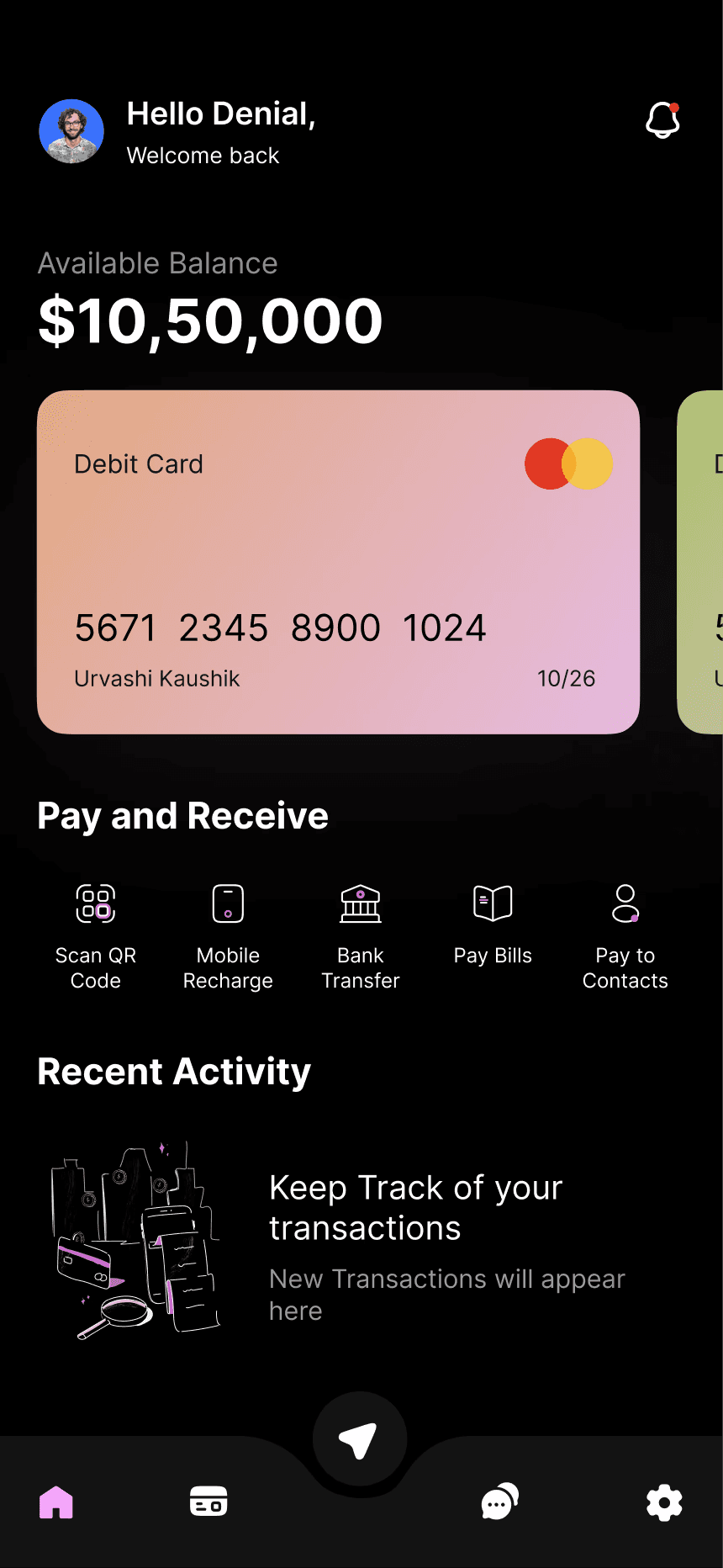
Speak to Log Expenses
Tap the mic and say what you spent. AI categorizes and logs it in seconds.

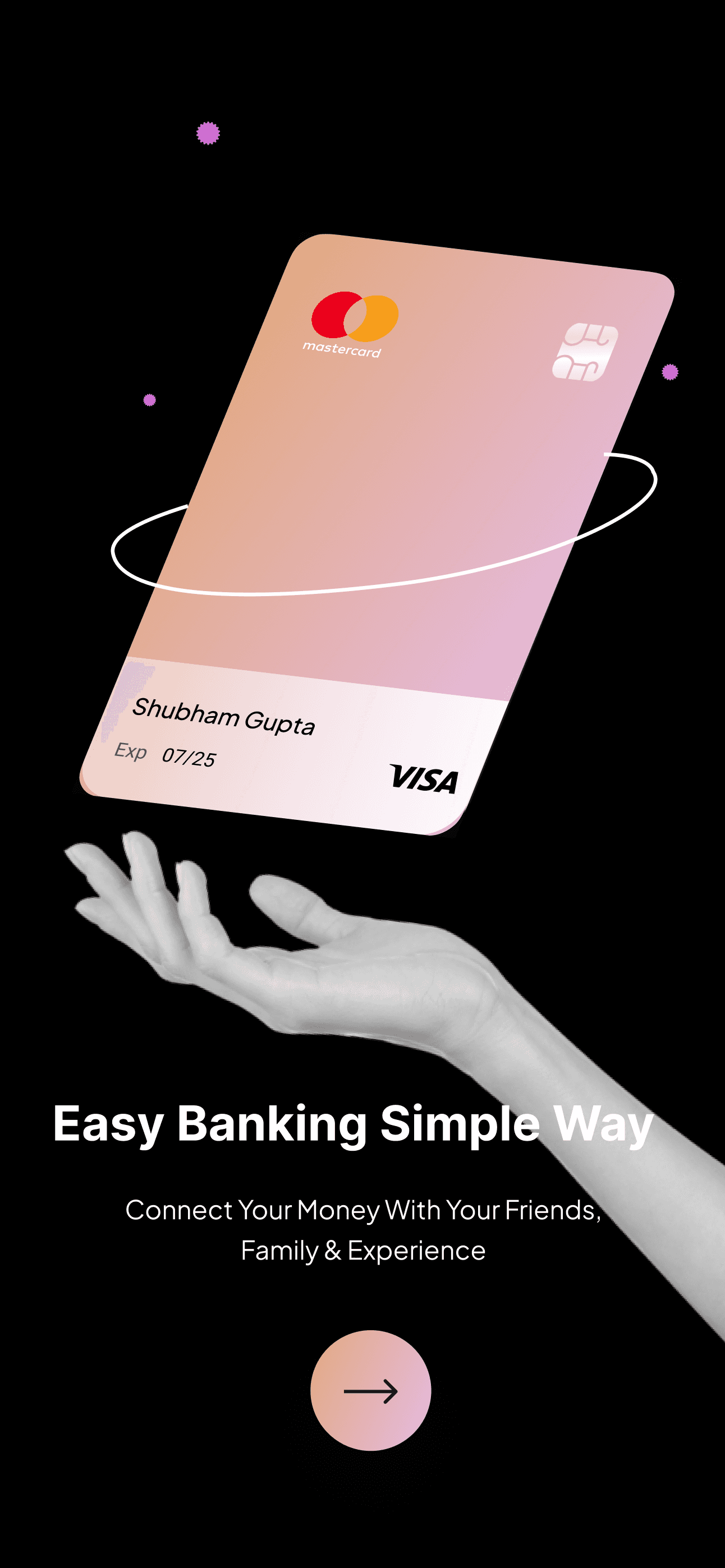
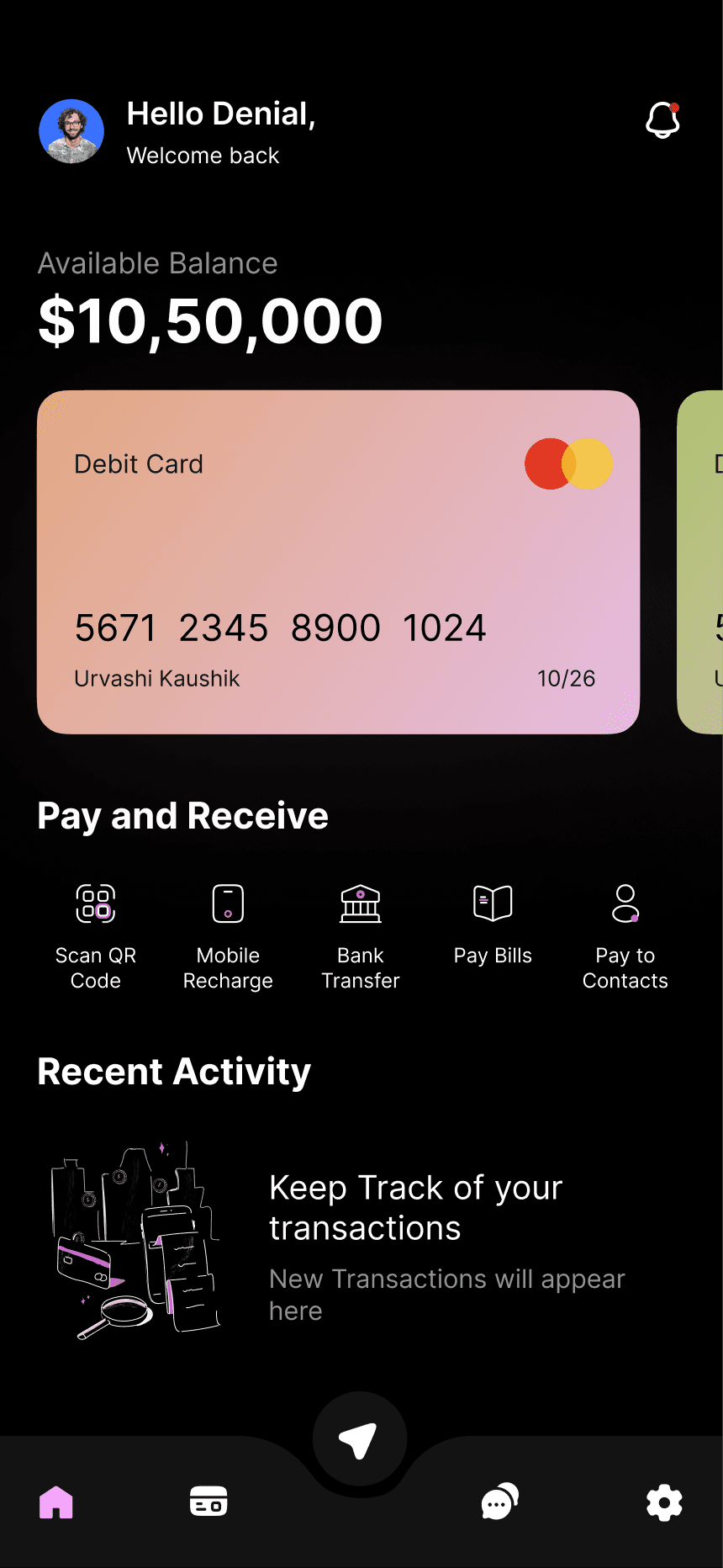
Smart Category Limits
Set comfortable visual limits on dining or shopping and get gentle alerts.
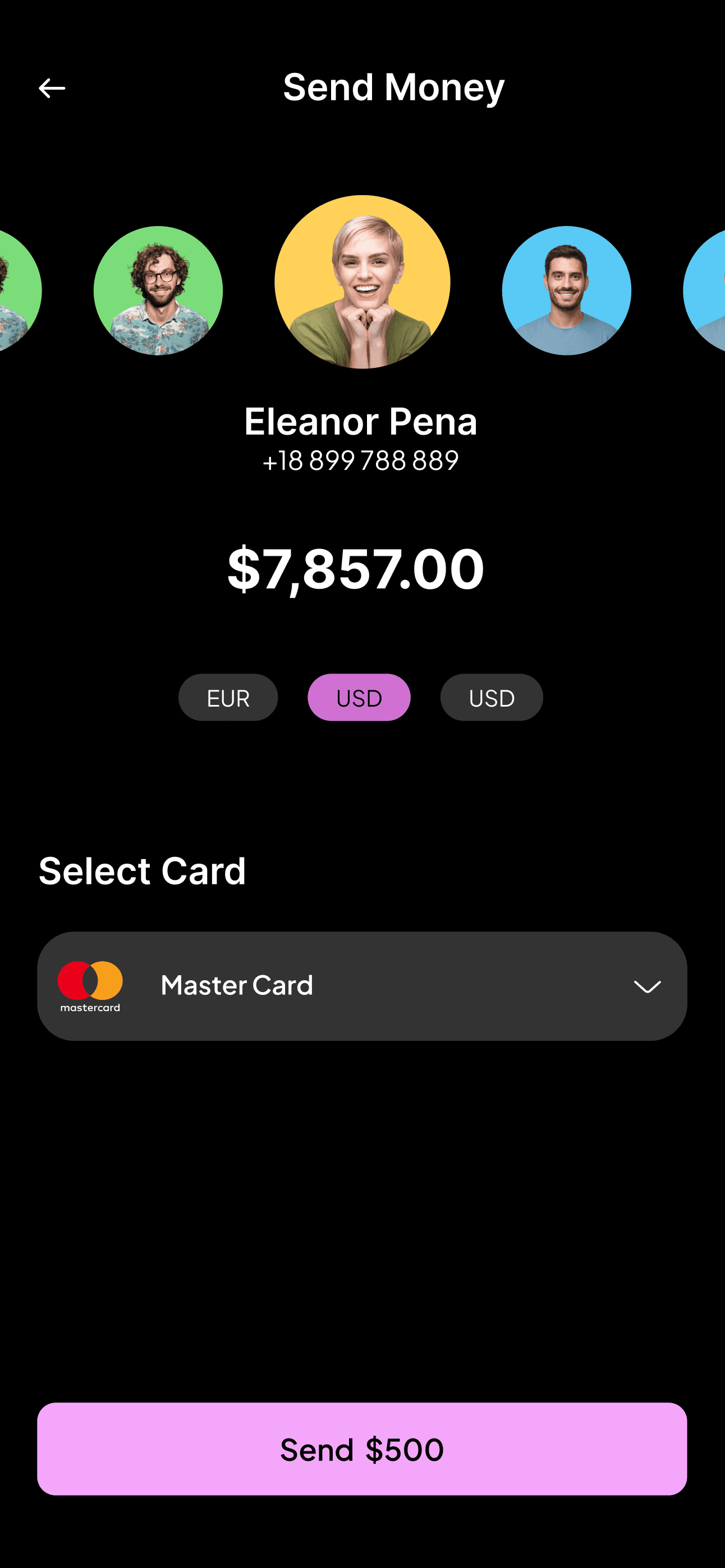
Instant Receipt Scanner
Snap a photo of any receipt — totals, merchant, and date are extracted automatically.
100% Private & iCloud Sync
Zero third-party bank logins. Your data is encrypted and stays in your personal iCloud.
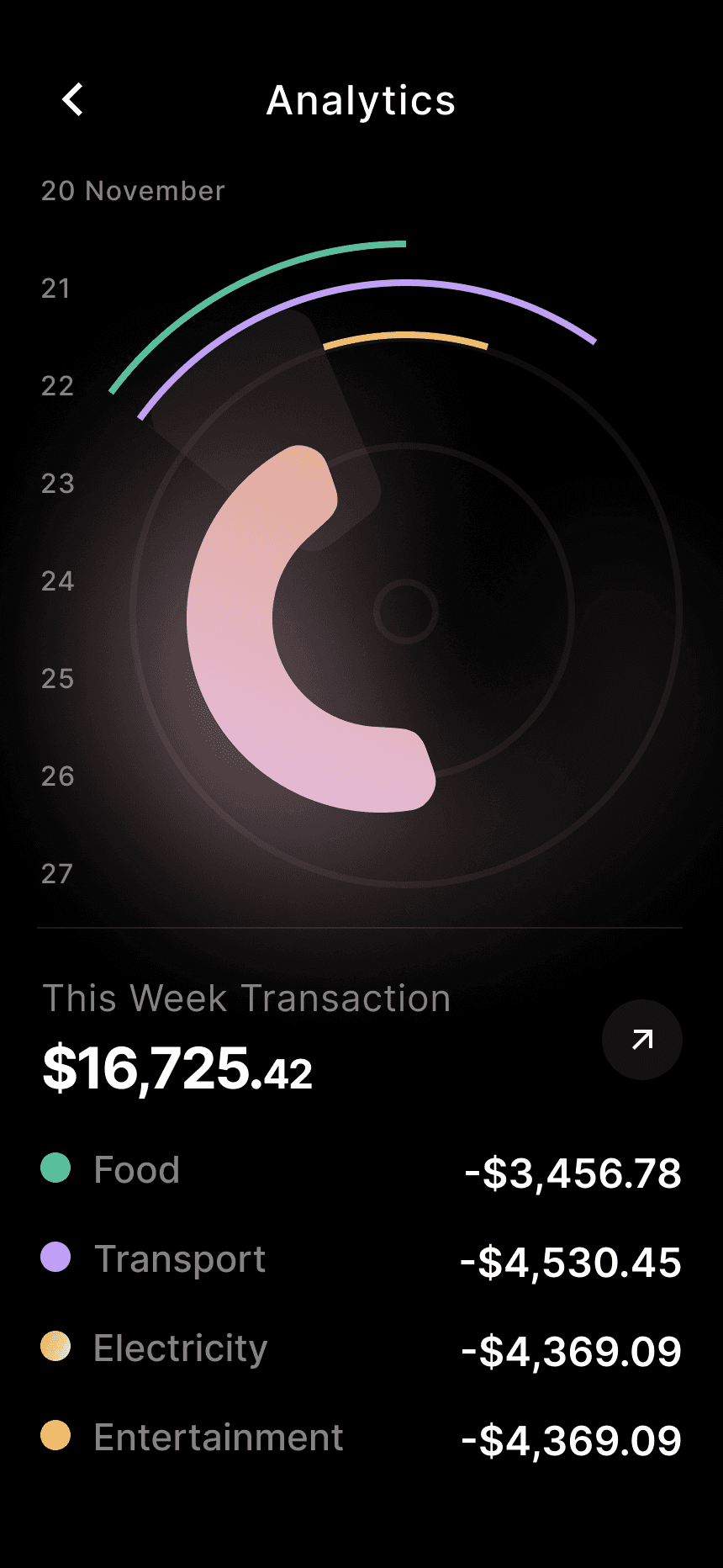
Clear Visual Insights & Trends
Understand where your money goes with clean, clutter-free reports without spreadsheets.
A clearer picture of your money
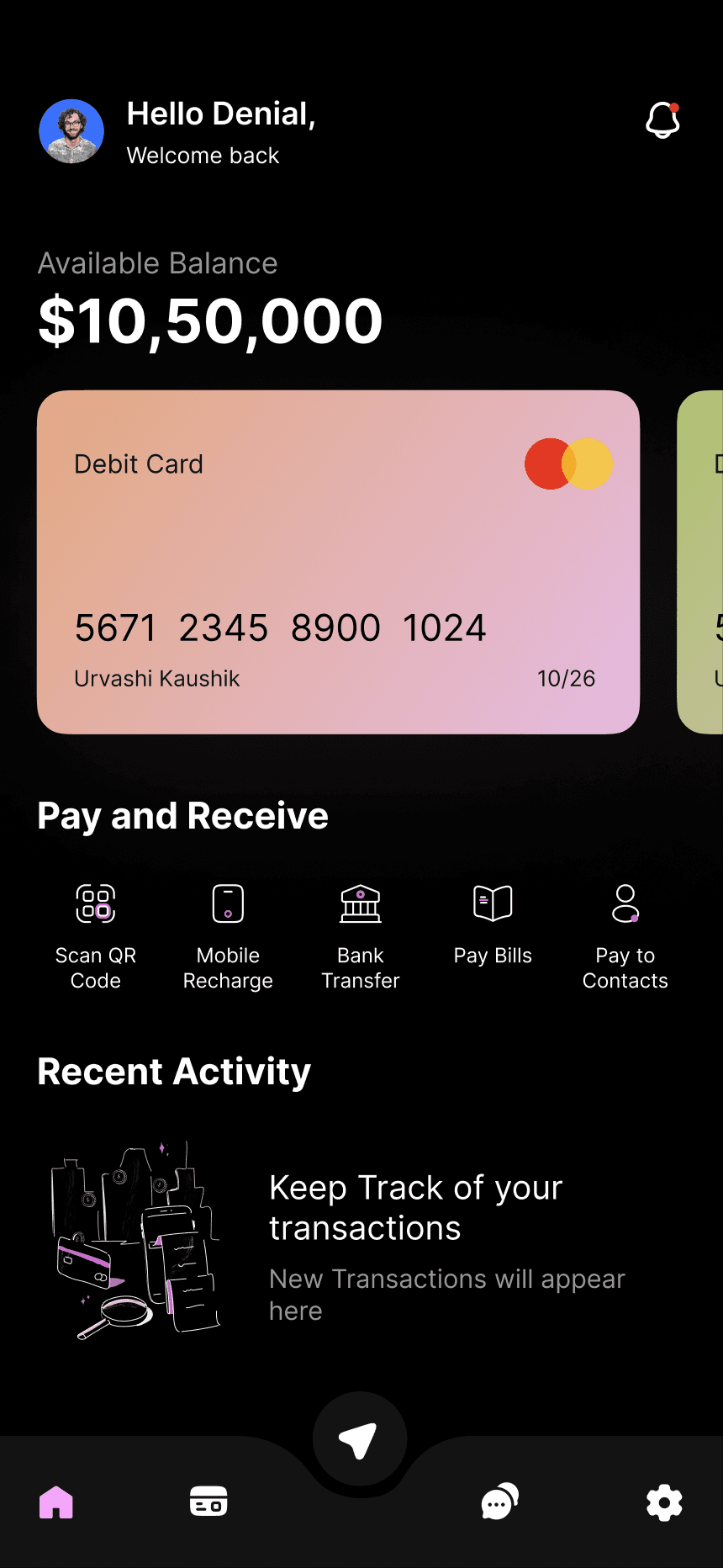
Make sense of your spending
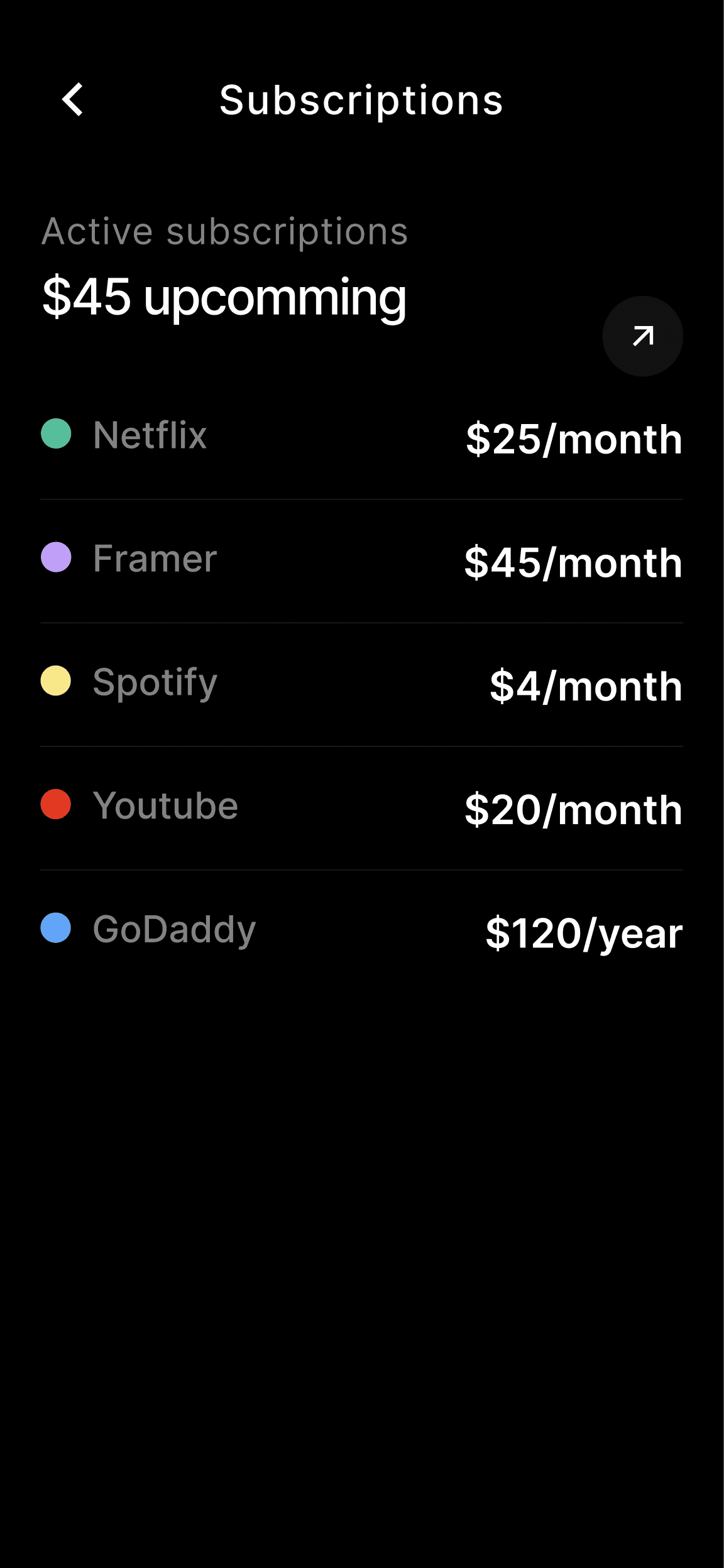
Track Apple Pay purchases automatically
Set up an iPhone automation, then choose an account and category after your first payment to a merchant. Future payments to that merchant are added automatically.
Plan with budgets
Set budgets for the things you spend on and get AI suggestions to help you plan ahead.
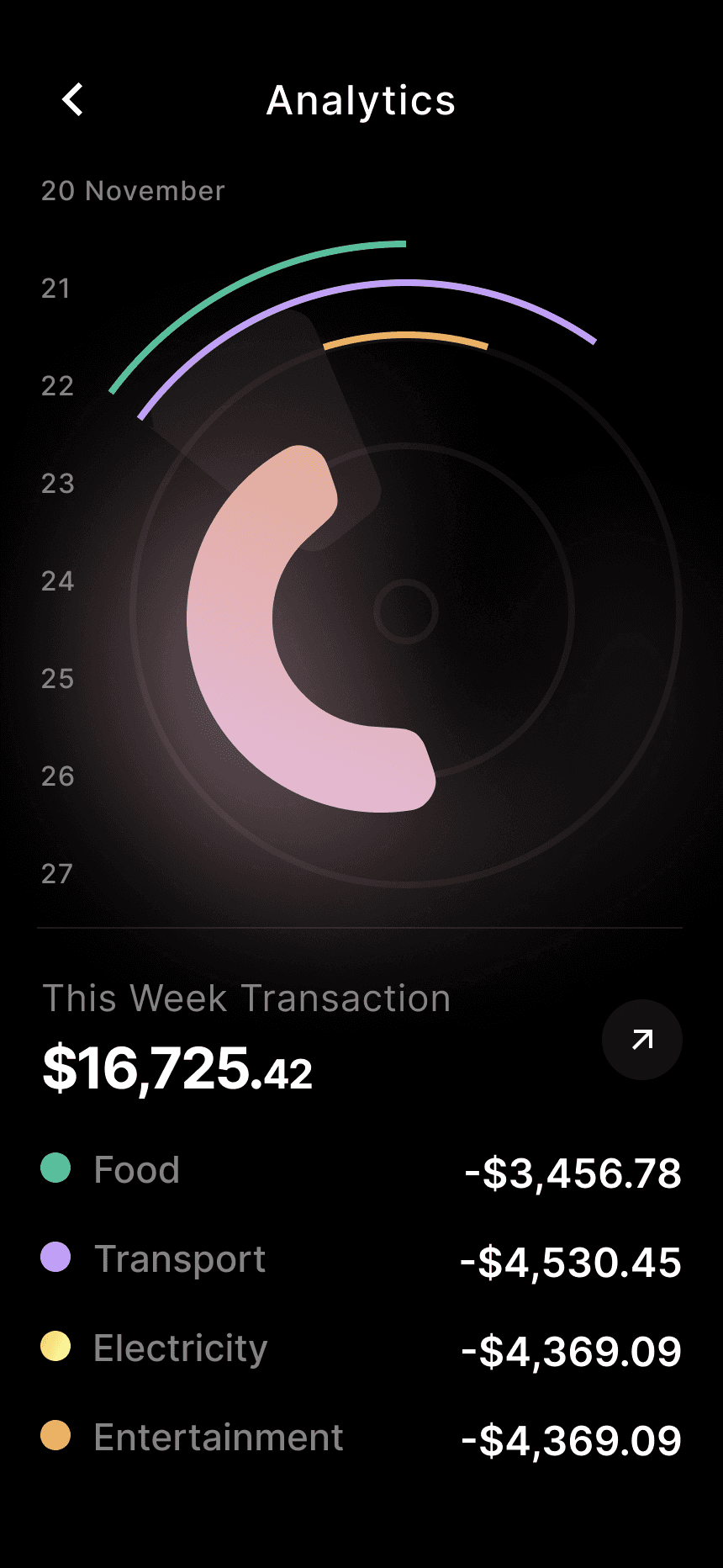
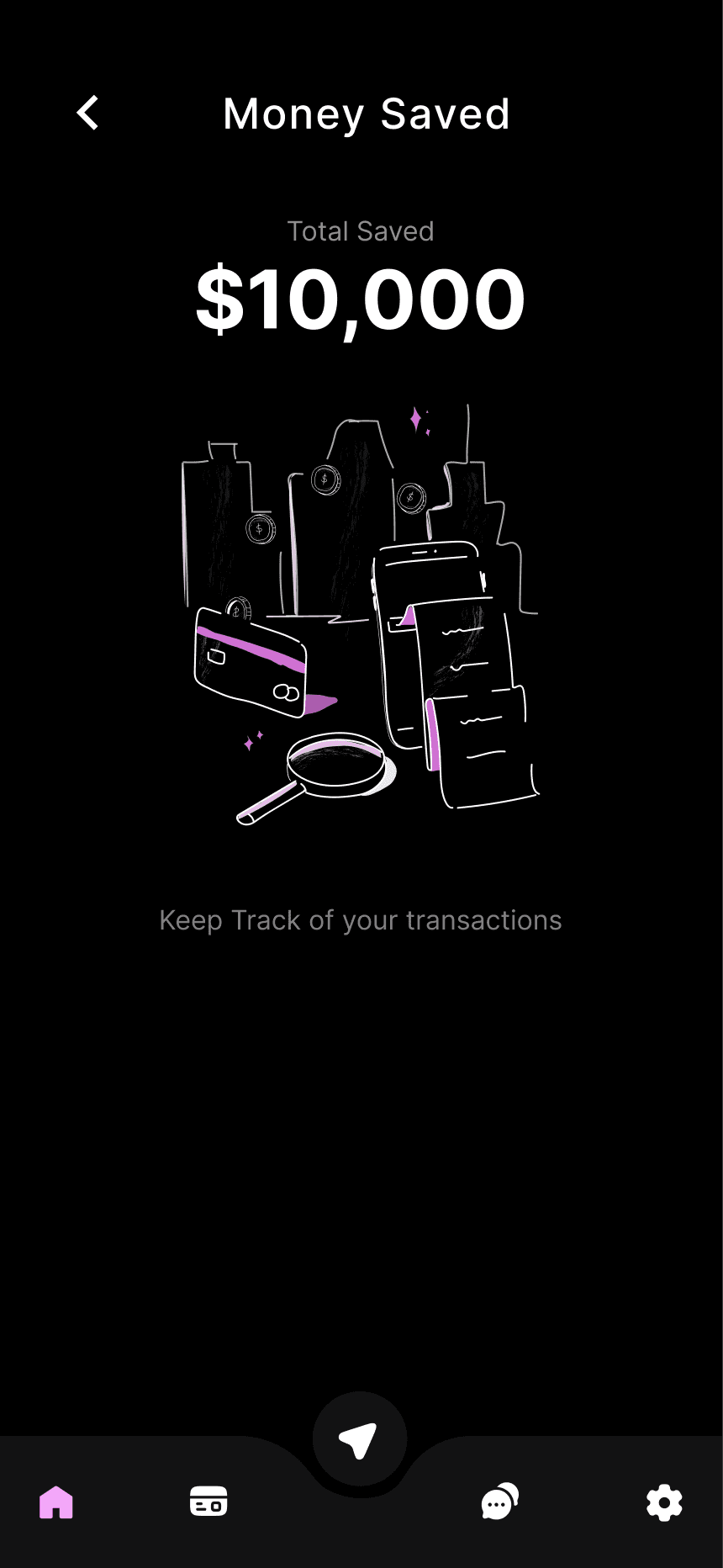
Made for everyday money tracking.
Import bank statements
Bring in PDF statements from supported banks and spend less time entering transactions.
Your data, on your device
Your financial data is stored on your device. No bank login or password needed.
Back up with iCloud
Keep a backup of your financial data in your personal iCloud.






Your statement is all you need
Import a PDF statement and see your transactions in Saver. No bank login or password required.
How it works
Start with a statement
Create a PDF statement
In your banking app, create a statement in PDF format.
Import it into Saver
Share the statement with Saver or upload the file.
See where your money goes
Choose categories for your transactions and explore your spending.
FAQs
Got questions? We've got answers.
Which bank statements can I import?
Saver supports PDF statements from Kaspi.kz, Halyk Bank, Home Credit Bank and Freedom Bank. Kaspi.kz import is available for free; the other supported banks require a subscription.
Do I need to connect my bank account?
No. Create a PDF statement in your banking app, then share or upload it to Saver. You don't need to enter your bank login or password.
How are imported transactions categorized?
You choose a category for a merchant, and Saver remembers it for future statement imports.
How does Apple Pay automation work?
First, set up an automation on your iPhone. After your first Apple Pay payment to a merchant, choose an account and category. Future payments to the same merchant are added automatically. Setup instructions are coming soon.
Where is my data stored?
Your financial data is stored on your device, and you can back it up with iCloud. You don't need an account to start using Saver.
Does Saver use AI?
Yes. AI helps with voice entry, receipt processing and budget suggestions. Information used by these features may be sent to an external AI service for processing.
Is there a free version?
Yes. The free version includes up to two accounts, 200 transactions, five voice entries and ten receipt scans. It also supports Kaspi.kz PDF statement imports.
Need more help? Email us at privacy@getsaver.app.